
Auditing My Own Threat Briefing Tool Before I Trusted It
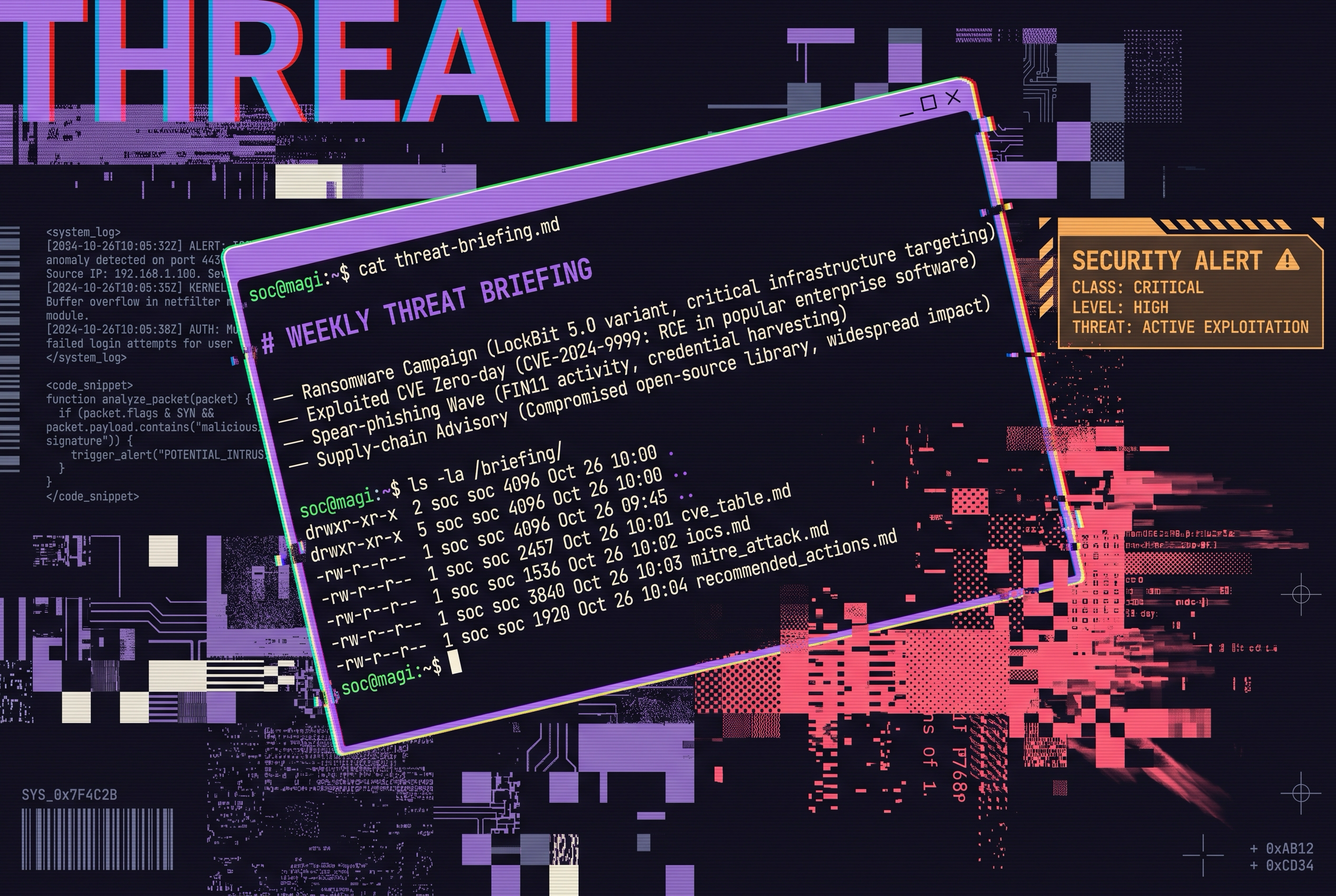
I found an open-source project that builds a weekly cybersecurity briefing for non-technical employees. It pulls a threat-intel newsletter, some linked articles, a bit of video commentary, sends all of it to a model, and writes out a clean HTML page you can drop on a company intranet. Useful idea. I wanted my own version, tuned for a security operations audience instead of general staff, and I wanted it as a reusable skill rather than a standalone app.
So I built it. Then, before I let myself trust it, I ran a real risk assessment on the thing I had just built. That second step is the whole point of this post, so let me start there and work backward.
The Tool Is Not the Interesting Part
The briefing generator is straightforward. It fetches the current threat intel live, the newsletter feed plus authoritative sources like the CISA Known Exploited Vulnerabilities catalog, then writes a single self-contained HTML briefing with the sections a SOC analyst actually wants: an executive summary, the week’s exploited and critical CVEs with a source link on every row, indicators of compromise, a MITRE ATT&CK mapping, and a prioritized action list. Every claim carries a source URL, and if I cannot source something, the rule is to omit it rather than invent it.
You can see one for yourself: here is an example briefing the tool produced , generated from real sources.
I made one deliberate choice that matters later. The original needs a runtime, four package dependencies, and a standing API key sitting in a file. My version needs none of that. It uses the fetch and search tools the assistant already has, so it runs with no install and no secret on disk. Hold that thought, because removing the key turned out to be a security decision, not just a convenience one.
That is the build. It is fine. It is not what I want to show you.
Auditing Your Own Build Is the Real Skill
Here is the move most people skip. When you build something that touches untrusted input, the valuable discipline is not shipping it. It is turning the same scrutiny you would aim at someone else’s system onto your own, before anyone is depending on it.
So I ran the briefing tool through a NIST SP 800-30 risk assessment, the same standard I would use to assess a client system. Not a checklist I filled in to feel thorough. An actual audit: characterize the system, map where data and trust flow, catalog the controls that genuinely exist, then work the threat scenarios honestly and rate the residual risk after those controls.
The honest finding came fast, and it was not flattering. This tool ingests untrusted, attacker-influenceable text, the newsletter body, the linked articles, the search results, and feeds it straight into an AI context, then writes an HTML file a human will open. That is the textbook setup for two problems. The first is indirect prompt injection: a poisoned article could try to steer what the briefing says. The second is stored cross-site scripting: a malicious headline could smuggle a script tag into the output HTML and run when someone opens the file. Both rated as my top risks, and both were real in the version I had just written.
This is the part I want a hiring manager or a client to see. Not a clean sheet that says everything is fine. A build where the author found the sharp edges himself and said so plainly.
You can read the whole assessment for yourself: here is the full NIST SP 800-30 risk assessment , with the system characterization, the threat matrix, a per-tool check for known vulnerabilities and recent breaches, and the residual risk after the fixes. It carries an overall grade, because a finding a hiring manager can act on needs a number, not an impression.
The Audit Has to Change the Build, or It Is Theater
A risk assessment that sits in a folder next to the tool is a document. A risk assessment that changes the tool is engineering. So the findings went straight back into the build.
The audit told me to treat every piece of fetched text as untrusted data and never as instructions, so that became a hard rule in the skill: summarize what the feed says, never obey it. It told me to escape every fetched string before writing it into HTML, so that became a rule too, with a check afterward that greps the output for an injected script tag and throws the result away if one slipped through. It told me to add a content security policy to the output so that even a missed escape cannot execute, so the template now ships with one. And the one risk I cannot fully engineer away, a model being subtly steered by poisoned input, is handled the honest way: a human reads the briefing before it goes anywhere. The tool does not get to publish itself.
The thing I shipped is not the thing I first wrote. It is the thing the audit corrected. That gap between the two is the build log.
Why the Missing API Key Was a Security Win
I mentioned I dropped the standing API key. The audit is where that paid off. A whole category of risk, a secret sitting on disk that could be read by the model or leaked into the output, simply does not exist in my version, because there is no secret to steal. Removing the four package dependencies did the same thing for supply-chain risk: libraries you do not install cannot carry a vulnerability into your tool.
This is worth saying out loud because it runs against instinct. The smaller, more boring build, no runtime, no dependencies, no key, was also the more secure one. Most of the time, security is not a feature you add. It is surface area you refuse to take on in the first place.
What I Want You to Take From This
If you are building anything that puts untrusted text in front of a model, the briefing tool is a fine pattern to copy. But copy the second half too. Build the thing, then audit your own thing against a real standard, find where it is exposed, and let the findings rewrite the build before you trust it.
The residual risk on mine, after the fixes, is low to medium and acceptable for an internal, human-reviewed briefing. I can say that with a number behind it because I did the work to earn the number, not because the tool looked clean on the surface. That is the difference between something that demos well and something you can actually run.
I did not bolt security on at the end. Auditing it was the build.